Monthly
£249/month
Billed monthly. Cancel any time.
Start with monthlyWorks out to roughly five hours of billable estimator time per month. Break-even on the first tender you price through it.
For UK groundworks estimators
Upload the tender pack. Claude Opus 4.7 reads the documents, applies your historical rates, and produces a priced BOQ in the structure the client asked for. You review, edit any line, and approve. Every approved job sharpens the rates the next one gets priced on.
Free for 14 days. No card. Three included estimates.
The arithmetic
Pricing a commercial groundworks tender from scratch is two to three days of work. If your day rate is £400, one tender costs you between £800 and £1,200 of your own billable time before the client has so much as opened the email.
MeasurePad is £249 a month. About five hours of estimator time.
A typical job priced through MeasurePad is a couple of hours of review instead of two or three days of pricing. If you price two tenders a month, the software pays for itself on the first tender of the first month. Everything after that is hours back on your calendar, or hours billable to something else.
Typical day rate
£350 to £500
UK freelance groundworks estimator, 2026
Hours per tender, from scratch
16 to 24
Commercial groundworks, multi-trade
Your time saved per tender
12 to 18 hours
Review only, no re-pricing
Cost of MeasurePad per month
£249
Roughly half a day of billable time
Pay for a month of the software by saving five hours on one tender. Then spend the rest of the month profiting from it.
Your numbers
The arithmetic above uses sensible averages. Your practice isn't an average. Slide the inputs to match what you actually do and the numbers update live.
Hours saved per year
374
Gross value of that time
£18,700
Net after the £2,490 annual plan
£16,210
That's roughly 47 extra billable days a year.
Assumes roughly three hours of review per tender once MeasurePad has priced it and your rate library is seeded. First few tenders will save less while you learn the flow. Hours converted to pounds at an eight-hour day.
How it works
You upload the tender pack. PDFs, Word documents, the client's Excel BOQ. MeasurePad reads the structured rows where structure exists, and the prose where it doesn't.
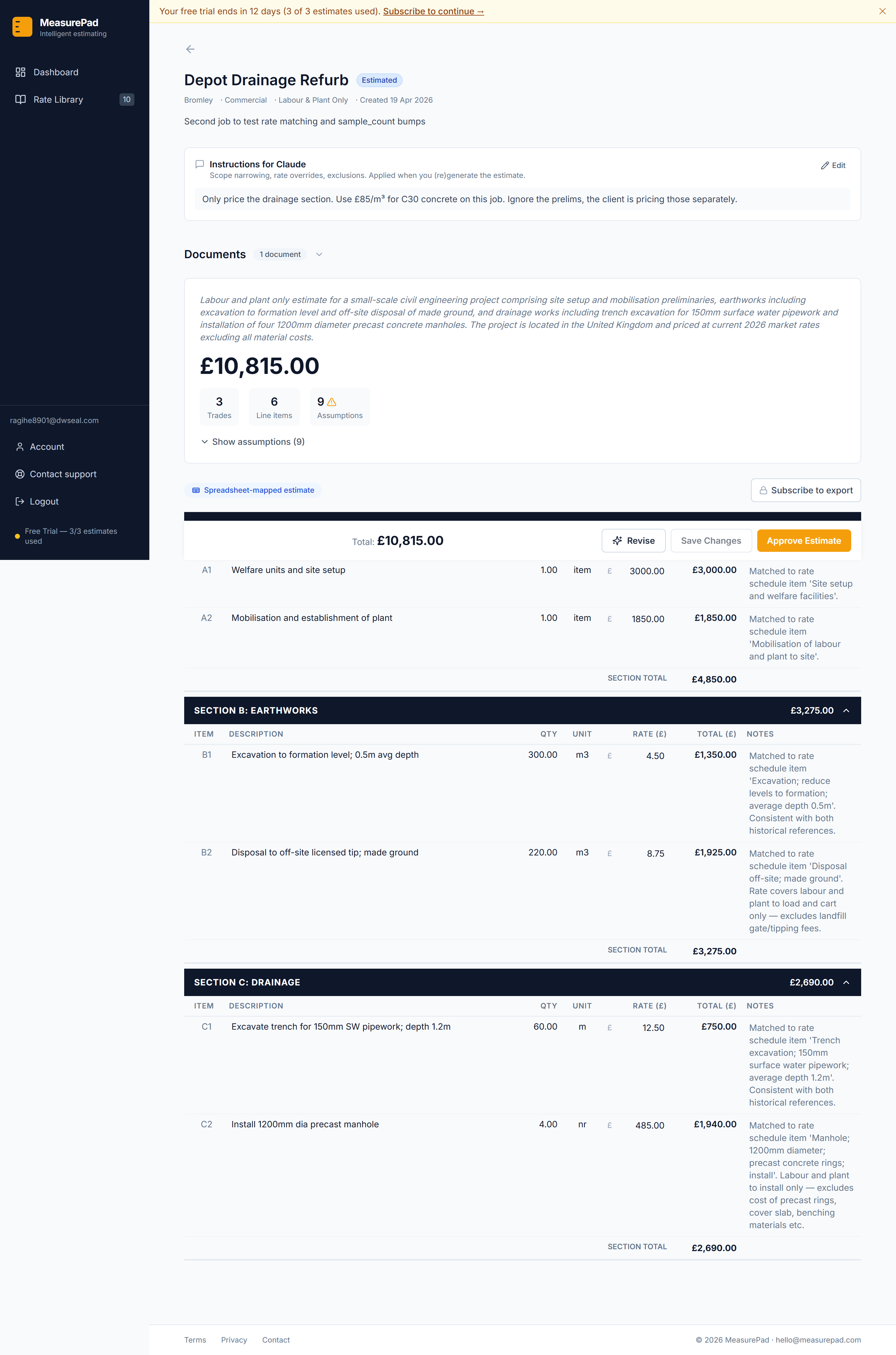
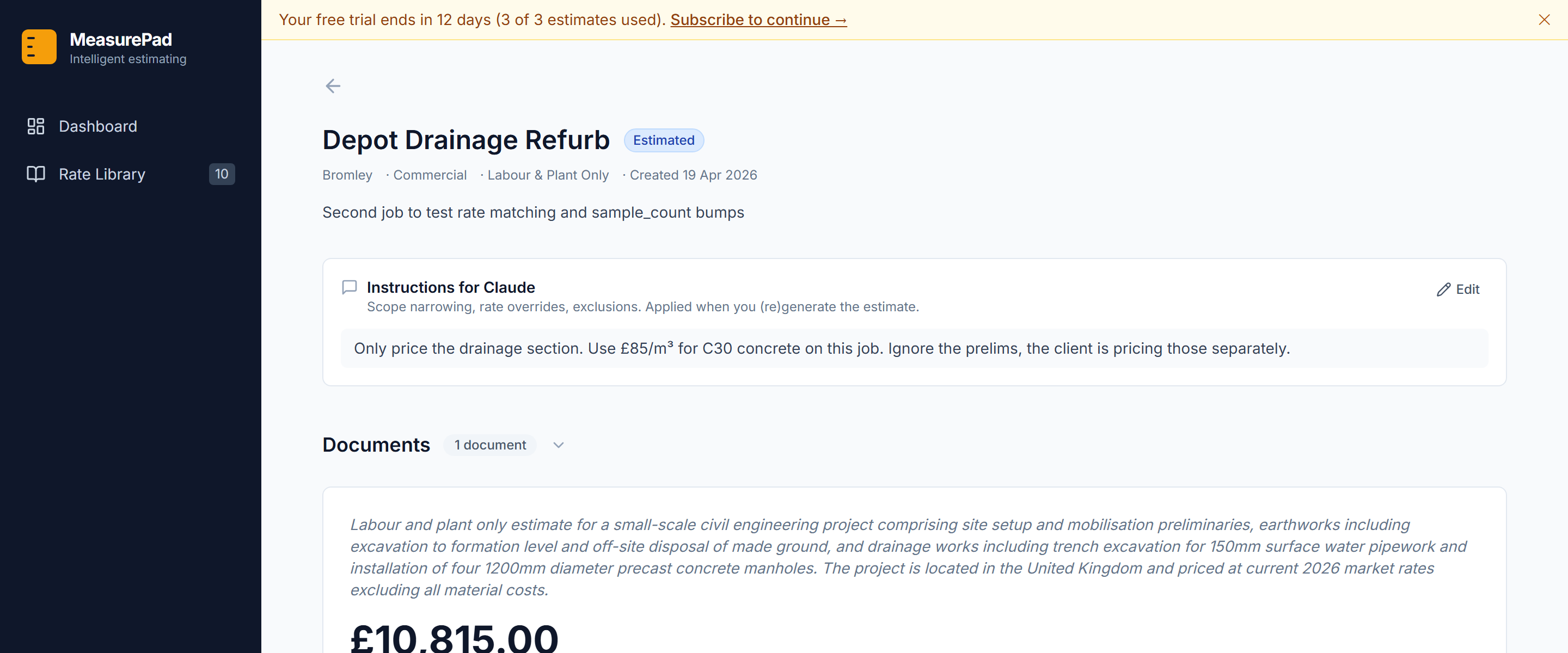
Every job has an instructions box for the idiosyncrasies. A rate override you want applied only this once. A section to skip. A scope narrowing the pack doesn't make obvious. Say it in plain English before you press Generate. “Only price the drainage.” “Use £85 per cubic metre for C30 concrete on this job.” “Ignore section C, the client is pricing prelims separately.” Claude reads the instructions first and treats them as directions, not suggestions.
Claude walks the scope, picks the right rate from your library for each item, and writes a priced BOQ in the same section structure the client sent. Arithmetic is validated in code before anything reaches your screen. Line totals match quantity times rate. Section totals match their line items. The grand total matches the sections. If the model produces a mathematically inconsistent estimate, the validator corrects it programmatically and logs it. Nothing inconsistent is ever stored.
You review at your own pace. Every cell edits inline. Totals recalculate as you type.
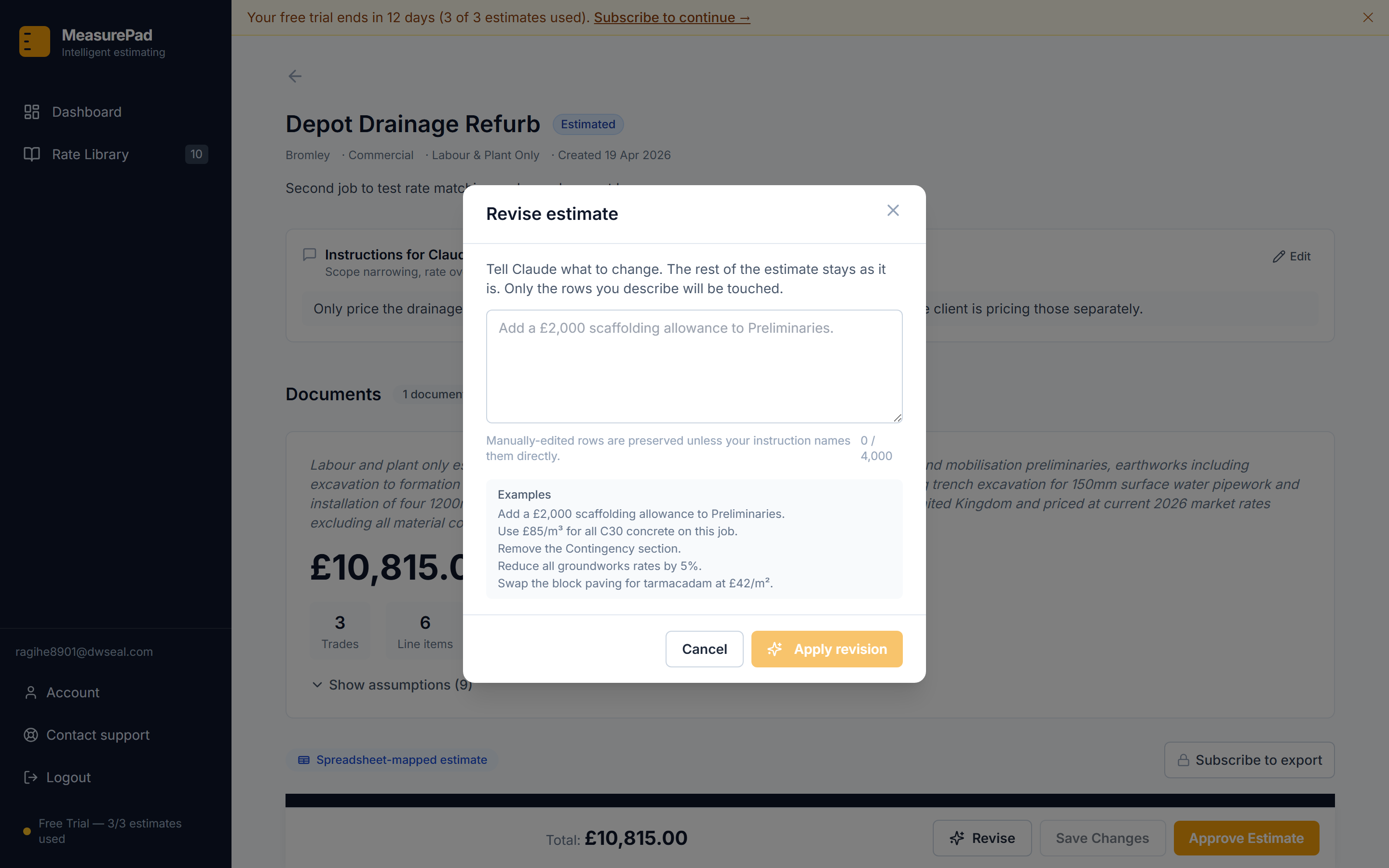
If you change your mind mid-review, you don't start over. A Revise button sits next to Save Changes; click it and you get a prompt box where you describe what should change. “Add a £2,000 scaffolding allowance.” “Reduce all groundworks rates by five per cent.” “Delete the Contingency section.” The revision is a fraction of the cost of a fresh run because the documents stay put; only the rows you asked about are touched, and the manual edits you've already made to other lines are preserved.
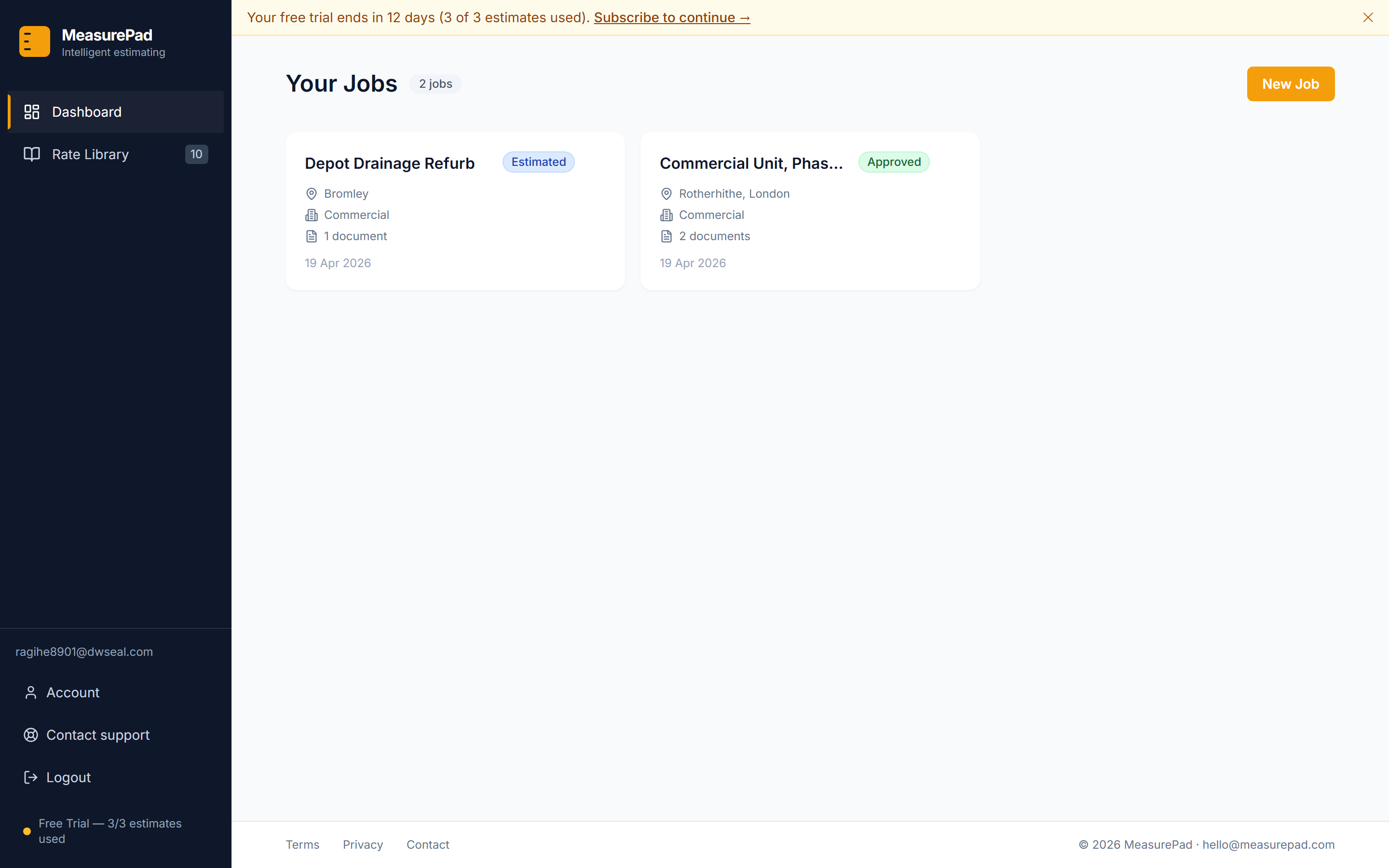
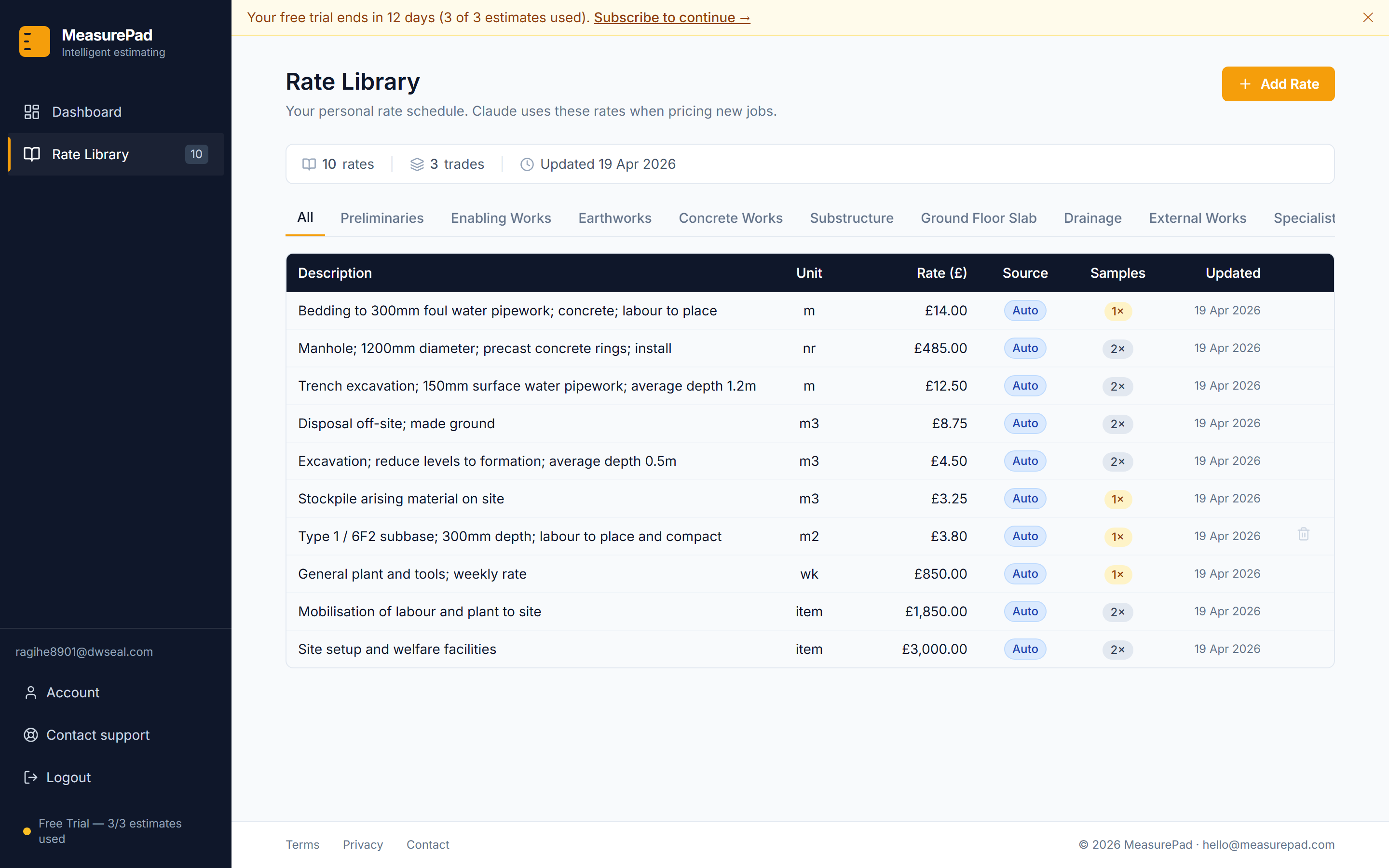
When you approve, the approved line items flow back into your rate library. Descriptions that describe the same work collapse into one canonical rate, so you don't end up with five different versions of “50mm concrete blinding”. The library learns the shape of your pricing over time.
If the client sent you an Excel spreadsheet to price, you get that spreadsheet back with just the Rate column populated. The formulas in the Total column recalculate when the file opens. The client sees their own document, in their own format, with your prices. No format wars with the QS.
Pricing
Both plans include unlimited estimates, unlimited jobs, a personal rate library that learns as you approve, PDF and Excel exports, filled-spreadsheet export, and email support from the person who built it. No per-seat charges, no hidden tiers.
Monthly
£249/month
Billed monthly. Cancel any time.
Start with monthlyWorks out to roughly five hours of billable estimator time per month. Break-even on the first tender you price through it.
Best value
Annual
£2,490/year
Billed upfront for the year. Two months effectively free.
Start with annualAbout a week of billable estimator time, once a year. One or two tenders priced through it earns that back.
Every subscription starts with a fourteen-day free trial. Three estimates included. No card required to try.
Questions
.docx), and Excel (.xlsx). Scanned PDFs with no extractable text upload fine but can't be priced. The system warns you at upload time rather than after a wasted estimate run.Fourteen-day trial, three estimates, no card. If you price one tender through MeasurePad and hate it, no harm done. If you price one and it saves you a day, you'll know why this exists.
Start the trial